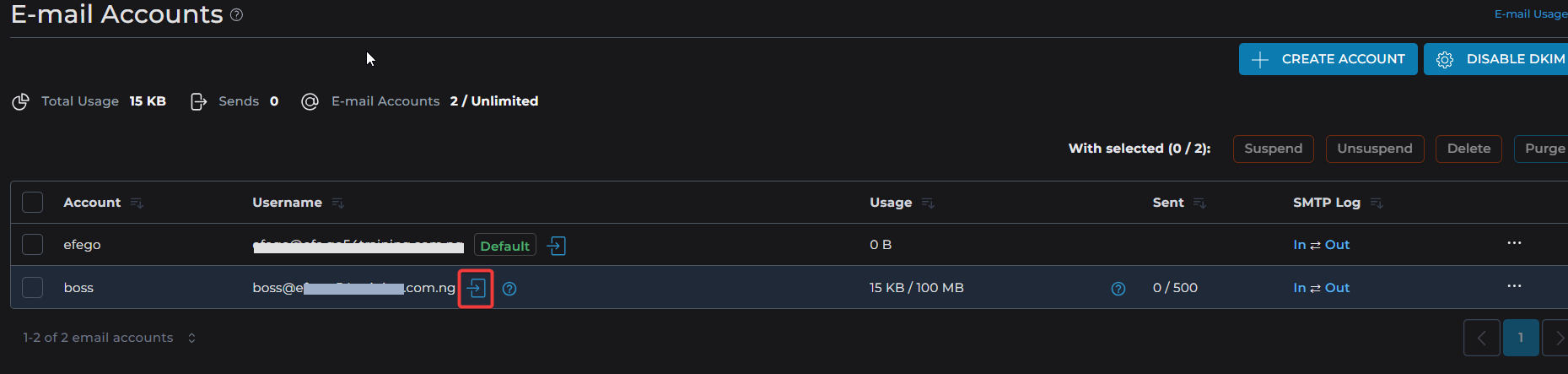
Follow the steps below to access your webmail
Method 1:
-
Visit: http://example.com/webmail
(Replace example.com with your domain.) -
Enter your email address and password, then click Login.
-
You’ll be logged into Roundcube Webmail by default.
Method 2:
In DirectAdmin:
-
Log in to your DirectAdmin panel (e.g., http://example.com:2222).
-
Go to Email Accounts under the Email Manager section.
-
Find the email address you want to access and click the “[-->]” link or icon (usually represented with an envelope icon).
-
This will open Roundcube Webmail for that account.