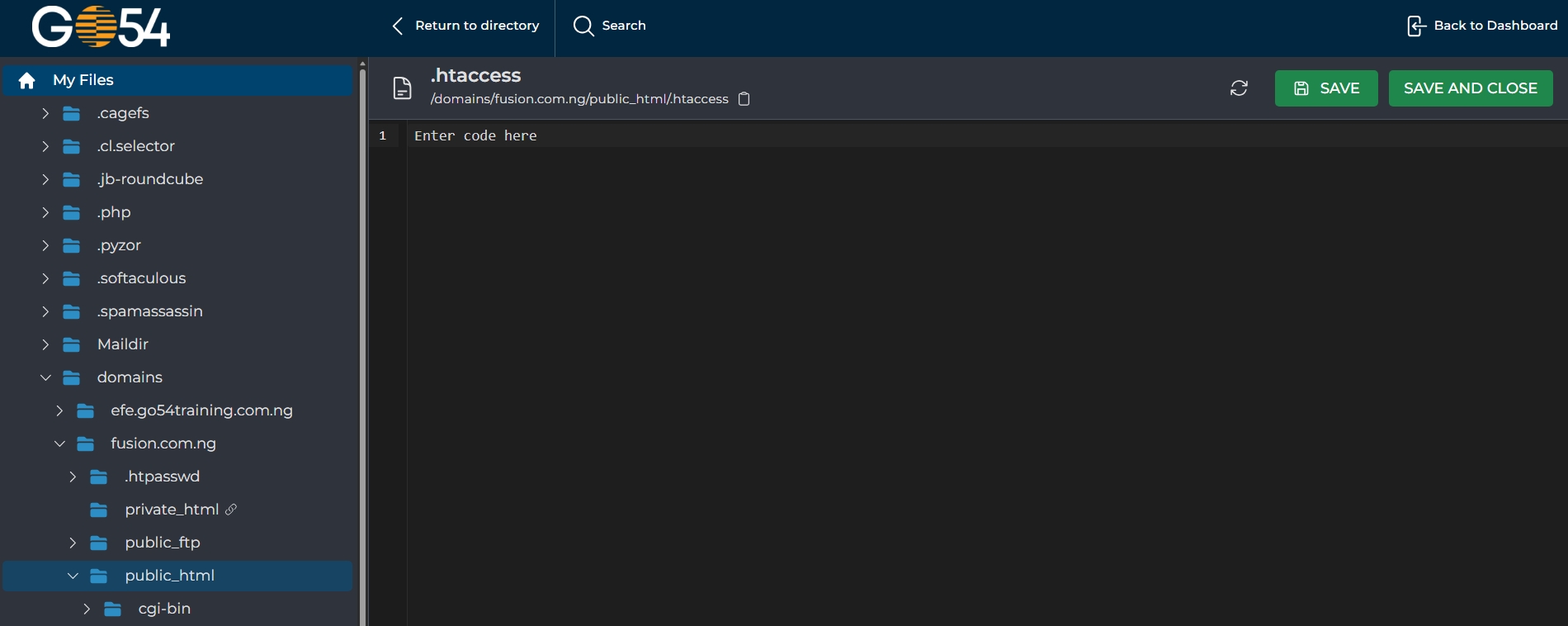
This article will guide you on how to Create a .htaccess file in the Direct Admin Control Panel.
To proceed with creating .htaccess file you need to locate the System Info & Files section and click on File Manager.
1. Open the File Manager as shown in the image below:

2. Click to open the Public_HTML folder of the Primary domain or the Folder of your Addon Domain where you want to create the file
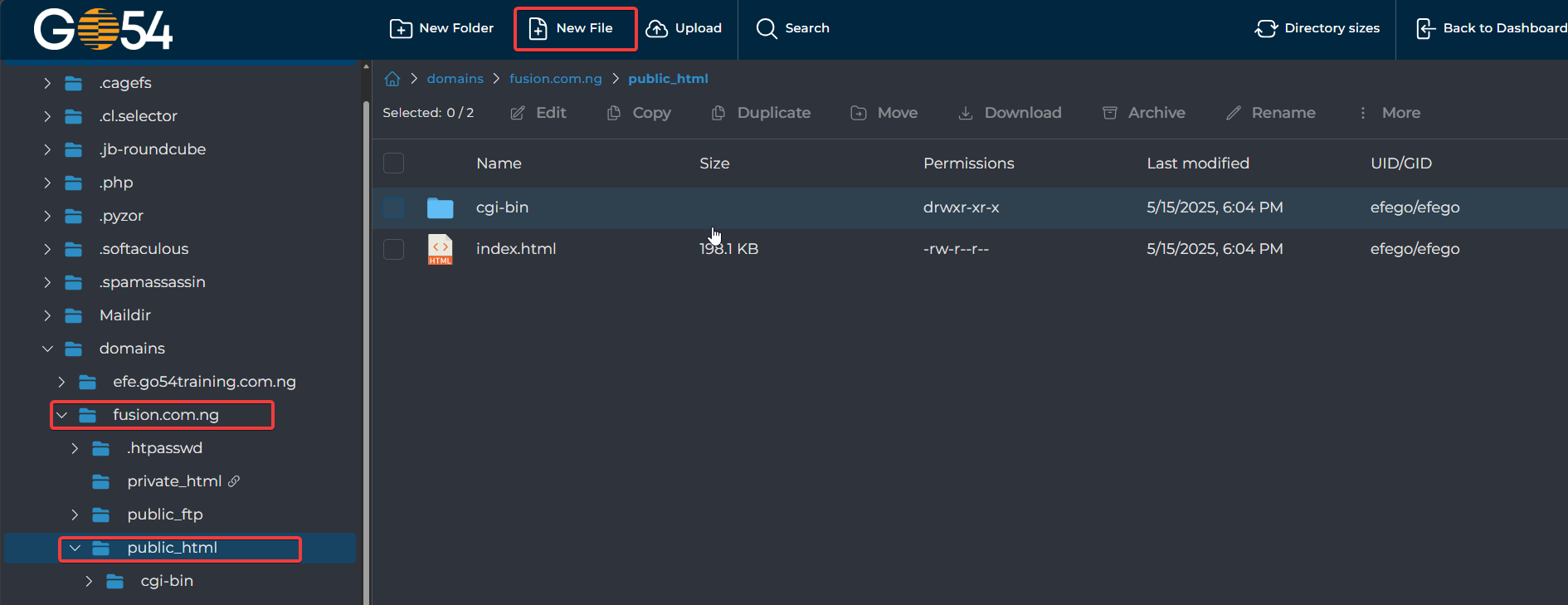
3. Click on the Create File Option in the Top Menu as shown above
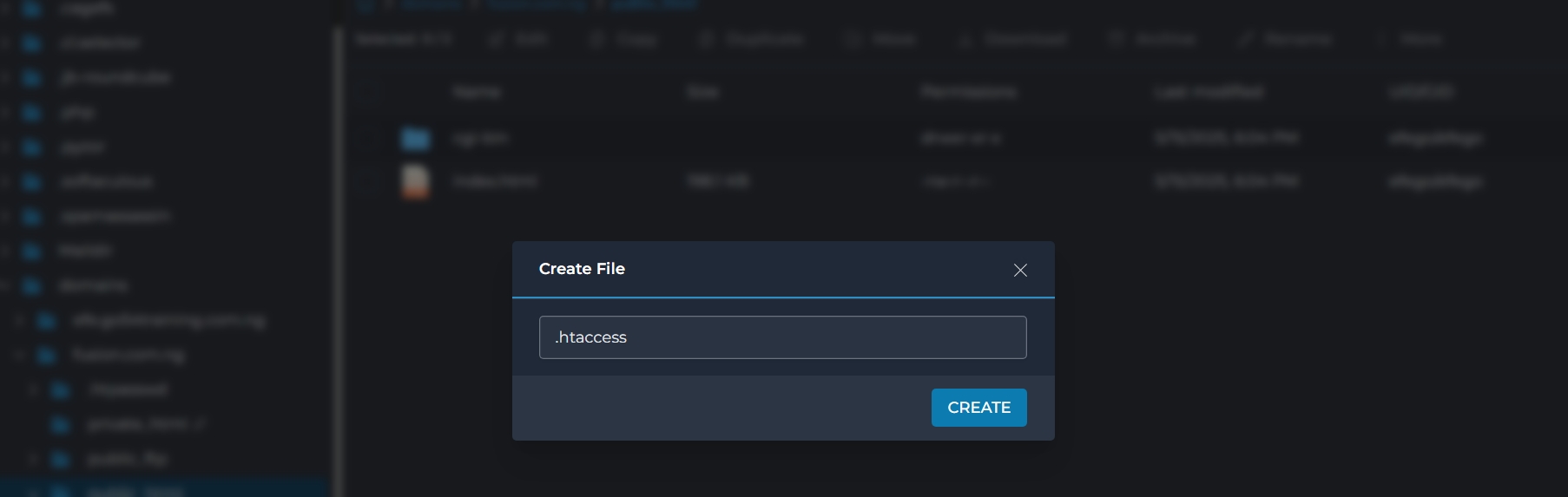
4. Enter .htaccess as the File Name and click create
5. To EDIT the .htaccess file you need to right-click on the .htaccess file as shown in the screenshot below:

6. Once the editor is open you need to enter the code and click on Save File: